Medical Imaging That Works for Everyday Care
Imaging, viewing, reporting and team collaboration in one cloud system, so clinics deliver results from anywhere.Xenrad brings imaging, viewing, reporting and team collaboration into one cloud system, so clinics start faster and deliver results from anywhere.
Why Xenrad?
Built for radiologists, clinics, and imaging centers that need reliable daily workflows.
Second Opinion
Send scans to experienced radiologists and get a clear second read when a case is uncertain.
File Sharing
Upload studies securely and share them with doctors, specialists, and hospital teams in a few clicks.
Teleradiology Tools
Use PACS, RIS, a web DICOM viewer, image archive, and reporting tools in one workspace.
HIPAA Compliant
Built on HIPAA-ready cloud infrastructure so patient data stays protected at every step.
All-in-One Platform
Everything you need to run teleradiology in one place, from image intake and review to reporting and team coordination.
Scalable Infrastructure
Store and manage growing image volumes without changing platforms or rebuilding your workflow.
Team Management
Control access for centers, radiologists, referring physicians, and staff with clear role-based permissions.
DICOM Viewer
Review multi-modality studies in a fast web viewer with shared access and practical reading tools.
Report Generation
Create, review, and deliver reports with straightforward tools that fit day-to-day radiology work.
Practical Medical Image Management
Xenrad combines DICOM server, PACS, image exchange, report viewer, archive, and web access in a HIPAA-ready cloud setup. Bring your centers online quickly and give radiologists clear tools for reporting and daily case management.
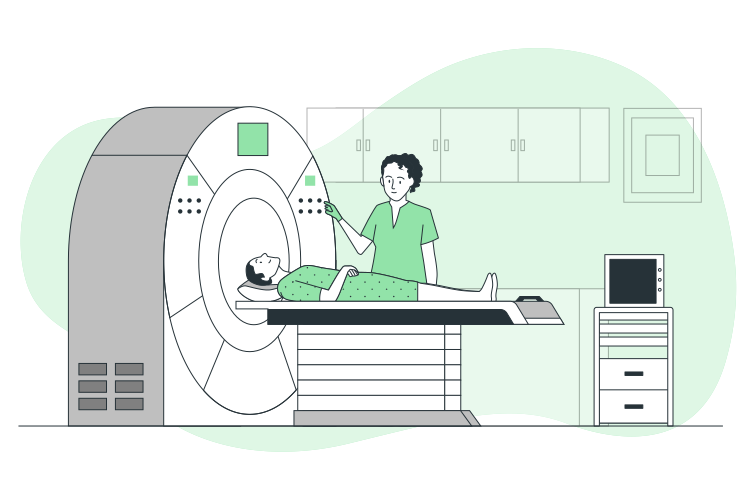
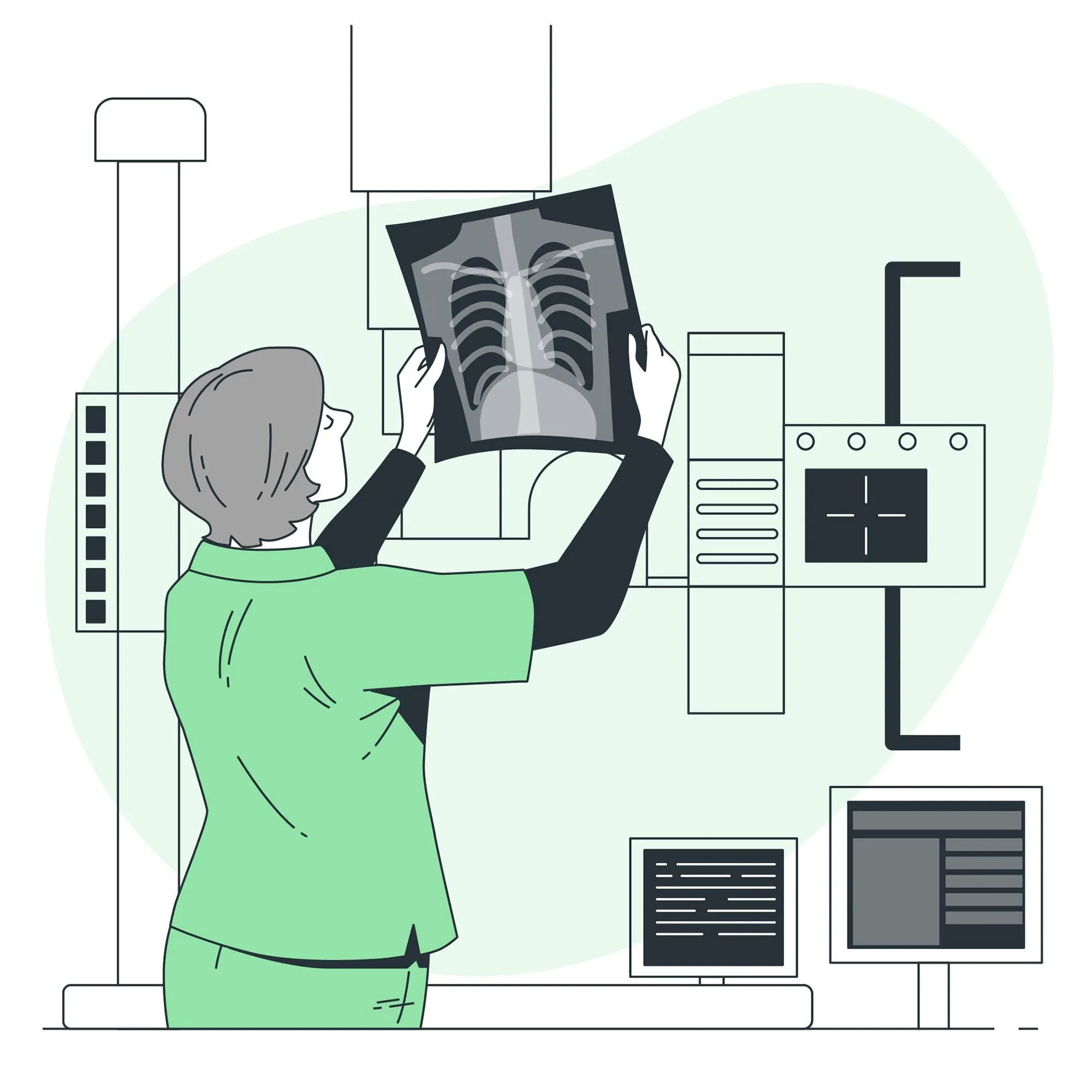
Advanced Web DICOM Viewer
Our web DICOM viewer gives radiologists fast access to studies from anywhere. It supports multiple imaging types, shared review workflows, and the core visualization tools needed for accurate reads.
Common questions
Something missing? Write to hello@xenrad.io.
What is Xenrad?
Xenrad is a cloud platform for diagnostic imaging. Modalities and existing PACS send studies to it over DICOM, radiologists open them in a web viewer, write the report in the same workspace, and share the result with referring doctors and other sites. There is no server to install at the clinic: each site gets its own DICOM endpoint and web access.
How do studies get into Xenrad?
Point your modality or PACS at your site's DICOM endpoint (the host, port and Called AE title shown in your site settings) and send as you do today. Before anything is stored, each connection is checked against the IP addresses and calling AE titles your site allows. Orders and results from other systems can come in over HL7, FHIR and MPPS.
Can we keep our existing PACS while we switch?
Yes. Xenrad can receive studies alongside your current PACS and forward incoming studies on to other DICOM destinations, so both systems stay complete. Most teams move one site or one modality at a time instead of switching everything on the same day.
How is patient data protected?
Every image is encrypted with AES-256-GCM before it is written to storage, web traffic is encrypted in transit, and what each person can see or export is set by their role at each site. Xenrad is built for HIPAA-aligned handling of patient data; your organization stays responsible for agreements, staff training and how the platform is used.
How do we share studies with another site or a referring doctor?
Invite the other team into your workspace with the role they need. They open studies in the same viewer, and what they can view or download follows that role and the study's privacy settings. For people outside Xenrad, a study can be exported as a zip archive.
What is Atlas Desktop?
Atlas Desktop is an app for Windows, macOS and Linux that runs a DICOM node on your own computer with the Xenrad viewer built in. It receives and stores studies locally, which suits reading rooms, outreach sites and places with an unreliable connection. You can download it from the Download page.
Can we try Xenrad before committing?
Yes. Create an account with Get Started to look around, or request a demo and we will set up a pilot that receives studies from your own modalities. You can also write to hello@xenrad.io with questions about your setup.
What do we need on our side to get started?
A modality or PACS that can send DICOM, a network path from it to the internet, and a browser for the people reading and reviewing. Once your site is created, you add its DICOM endpoint to your equipment, invite your team, and studies appear in the worklist as they arrive.
What is Xenrad?
Xenrad is a cloud platform for diagnostic imaging. Modalities and existing PACS send studies to it over DICOM, radiologists open them in a web viewer, write the report in the same workspace, and share the result with referring doctors and other sites. There is no server to install at the clinic: each site gets its own DICOM endpoint and web access.
How do studies get into Xenrad?
Point your modality or PACS at your site's DICOM endpoint (the host, port and Called AE title shown in your site settings) and send as you do today. Before anything is stored, each connection is checked against the IP addresses and calling AE titles your site allows. Orders and results from other systems can come in over HL7, FHIR and MPPS.
Can we keep our existing PACS while we switch?
Yes. Xenrad can receive studies alongside your current PACS and forward incoming studies on to other DICOM destinations, so both systems stay complete. Most teams move one site or one modality at a time instead of switching everything on the same day.
How is patient data protected?
Every image is encrypted with AES-256-GCM before it is written to storage, web traffic is encrypted in transit, and what each person can see or export is set by their role at each site. Xenrad is built for HIPAA-aligned handling of patient data; your organization stays responsible for agreements, staff training and how the platform is used.
How do we share studies with another site or a referring doctor?
Invite the other team into your workspace with the role they need. They open studies in the same viewer, and what they can view or download follows that role and the study's privacy settings. For people outside Xenrad, a study can be exported as a zip archive.
What is Atlas Desktop?
Atlas Desktop is an app for Windows, macOS and Linux that runs a DICOM node on your own computer with the Xenrad viewer built in. It receives and stores studies locally, which suits reading rooms, outreach sites and places with an unreliable connection. You can download it from the Download page.
Can we try Xenrad before committing?
Yes. Create an account with Get Started to look around, or request a demo and we will set up a pilot that receives studies from your own modalities. You can also write to hello@xenrad.io with questions about your setup.
What do we need on our side to get started?
A modality or PACS that can send DICOM, a network path from it to the internet, and a browser for the people reading and reviewing. Once your site is created, you add its DICOM endpoint to your equipment, invite your team, and studies appear in the worklist as they arrive.